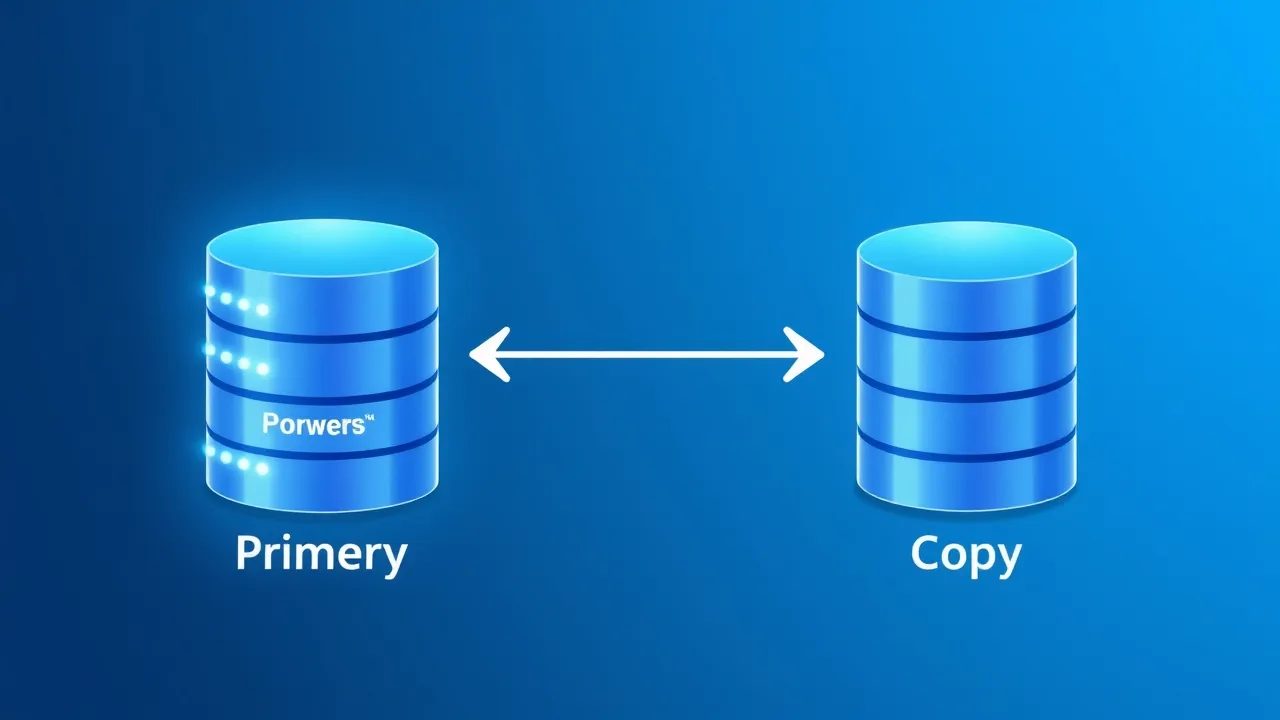
If your VPS is running one MySQL or MariaDB instance and everything lives on it — live traffic, nightly backups, that one analytics script someone runs at 2 PM every day — you've probably felt the site slow to a crawl at the worst possible moment. Replication fixes that by giving you a second, always-in-sync copy of the database you can read from, back up from, or promote to primary if the main server ever falls over. Here's how to set it up properly on two SkyServer VPS instances, plus the mistakes that break it.
Symptom
You're seeing one or more of these:
- Reports, exports, or admin dashboards lock up tables and slow down checkout/login for real visitors.
- Backups (
mysqldump) run during business hours because there's no "quiet" copy to pull from, and they cause visible slowdowns. - You want a warm standby so a crashed database server doesn't mean a multi-hour outage while you restore from backup.
- A single MySQL instance is maxing out CPU or I/O and vertical scaling (bigger VPS) is no longer cost-effective.
Cause
A standalone MySQL/MariaDB server has no built-in way to offload read queries or maintain a live standby. Every SELECT, every backup job, and every write competes for the same CPU, disk I/O, and buffer pool. Replication solves this at the database layer: the primary (source) server streams every change to one or more replicas in near real time, and you point read-heavy or backup workloads at the replica instead.
Fix: Set Up Master-Replica Replication
This example uses two VPS instances running MariaDB 10.11 (the same steps work for MySQL 8 with minor syntax differences noted below). Call them db1 (source/primary) and db2 (replica).
1. Open the network path between the two VPS instances
Replication traffic isn't encrypted by default and shouldn't cross the public internet unprotected. If both VPS instances are in the same SkyServer region, use their private network IPs. Otherwise, set up a WireGuard tunnel first. Either way, allow port 3306 only from the replica's IP:
sudo ufw allow from 10.0.0.12 to any port 3306 proto tcp2. Configure the source server (db1)
Edit /etc/mysql/mariadb.conf.d/50-server.cnf (path is /etc/my.cnf.d/server.cnf on AlmaLinux/Rocky) and set:
[mysqld]
server-id = 1
bind-address = 10.0.0.11
log_bin = /var/log/mysql/mysql-bin.log
binlog_format = ROW
binlog_do_db = your_database_name
Restart the service: sudo systemctl restart mariadb. Then create a dedicated replication user — never reuse root for this:
CREATE USER 'repl_user'@'10.0.0.12' IDENTIFIED BY 'a-strong-unique-password';
GRANT REPLICATION SLAVE ON *.* TO 'repl_user'@'10.0.0.12';
FLUSH PRIVILEGES;
3. Take a consistent snapshot of the source
You need a copy of the data that's frozen at a known binary log position. Lock the tables, note the position, and dump:
FLUSH TABLES WITH READ LOCK;
SHOW MASTER STATUS;
-- Note the File and Position values shown, e.g. mysql-bin.000004, 154
In a second terminal (don't close the locked session yet):
mysqldump -u root -p --databases your_database_name --master-data=2 > snapshot.sqlThen release the lock: UNLOCK TABLES;. Copy snapshot.sql to db2 with scp.
4. Configure the replica (db2)
Set a unique server-id in its own config file:
[mysqld]
server-id = 2
bind-address = 10.0.0.12
relay_log = /var/log/mysql/mysql-relay-bin.log
Restart MariaDB, import the snapshot, then point it at the source using the File/Position you noted earlier:
mysql -u root -p < snapshot.sql

CHANGE MASTER TO
  MASTER_HOST='10.0.0.11',
  MASTER_USER='repl_user',
  MASTER_PASSWORD='a-strong-unique-password',
  MASTER_LOG_FILE='mysql-bin.000004',
  MASTER_LOG_POS=154;

START SLAVE;
On MySQL 8 (not MariaDB), the syntax is CHANGE REPLICATION SOURCE TO ... SOURCE_HOST=... and START REPLICA; instead.
5. Verify it's actually working
SHOW SLAVE STATUS\GCheck for these two lines specifically — both must say Yes:
| Field | What it means |
|---|---|
| Slave_IO_Running | Replica is successfully pulling the binlog stream from the source |
| Slave_SQL_Running | Replica is successfully applying those changes locally |
| Seconds_Behind_Master | Replication lag in seconds — should be 0 or very close to it under normal load |
Make a test write on db1 and confirm it shows up on db2 within a second or two. If it does, replication is live.
Common Reasons It Breaks
- Duplicate server-id. Every server in the replication chain needs a unique ID. Cloning a VPS image and forgetting to change this is the single most common failure.
- Firewall or security group blocking port 3306 between the two private IPs, especially after a VPS rebuild resets firewall rules.
- Writes happening directly on the replica. If an app or a forgotten cron job writes to db2 directly, the SQL thread will hit a duplicate-key or constraint error and stop (
Slave_SQL_Running: No). Set the replica to read-only to prevent this:SET GLOBAL read_only = ON;. - Binlog position drift after a source restart without recording the new File/Position, especially if you're not yet on GTID-based replication.
- Large, long-running transactions on the source that cause replication lag to spike — check
Seconds_Behind_Masterduring backup or batch-import windows.
Prevention
- Prefer GTID-based replication (
gtid_strict_mode=1on MariaDB) over File/Position-based — it removes the need to manually track binlog coordinates after a failover or restart. - Set
read_only = 1permanently on every replica's config file, not just as a runtime toggle. - Monitor
Seconds_Behind_Masterwith Netdata or a simple cron script that alerts if lag exceeds a threshold — silent lag is how "the replica" quietly becomes stale. - Run your nightly
mysqldumpbackups against the replica, not the source, so backup I/O never touches production traffic. - Document the failover procedure before you need it: promoting a replica means stopping replication, setting it read-write, and repointing your application's DB host — decide who's authorized to do that and when.
Frequently Asked Questions
Do I need root SSH access to set up replication?
Yes. Replication is configured at the MySQL/MariaDB server level, which means editing config files and restarting the service — that requires SSH access to both VPS instances. It isn't available on shared cpanel" class="auto-link">wordpress-missing-a-temporary-folder-upload-error" class="auto-link">cPanel hosting where you don't control the database server itself.
Can I replicate between a cPanel VPS and a regular VPS?
Yes, as long as you have root access on both and can edit the MySQL/MariaDB configuration directly. cPanel's own MySQL management UI doesn't expose replication settings, so you'll do this part entirely over SSH.
Will replication slow down my main database?
The overhead is small — writing to the binary log adds a small amount of I/O on the source, typically under 5% in most workloads. The bigger cost is disk space for retained binlogs, which you can control with expire_logs_days.
What happens if the replica falls behind?
It keeps trying to catch up automatically; nothing breaks on its own. But if you're reading from the replica for anything time-sensitive (recent orders, live dashboards), a lagging replica means stale reads. That's why monitoring Seconds_Behind_Master matters more than most people expect.
Is this the same as a database cluster or high availability (HA) setup?
No. Basic master-replica replication does not do automatic failover — if the source dies, someone has to manually promote the replica. True HA needs additional tooling (like Galera Cluster or an orchestrator such as ProxySQL with automated failover), which is a bigger project than a single replica for read scaling and backups.