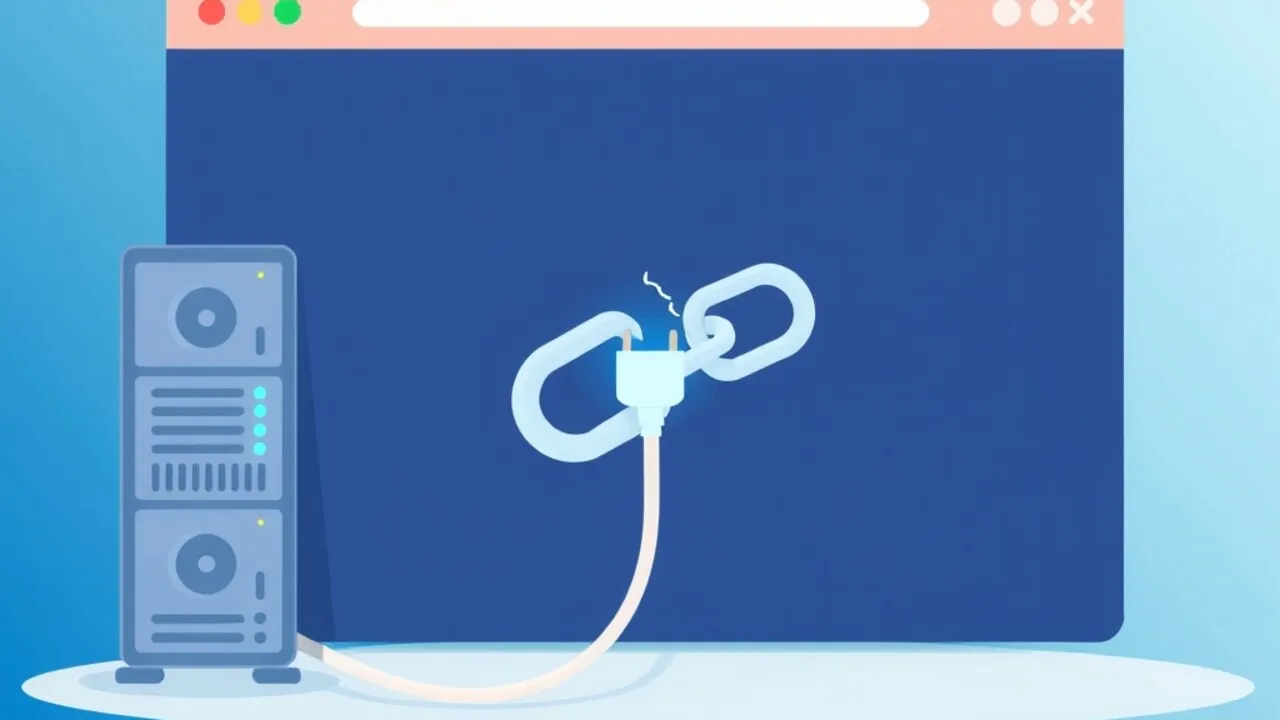
You open your site and Chrome says "This site can't be reached — The connection was reset." Firefox calls it "The connection was reset" too. Other sites load fine, so it's not your Wi-Fi. Annoying, because there's no status code and no error page from your server to read.
Here's what's actually going on and how to track it down, whether you're on cpanel" class="auto-link">cPanel shared hosting or a VPS.
What ERR_CONNECTION_RESET actually means
The browser reached an IP and opened a TCP connection, then something on the path sent a TCP RST packet and killed it. That's different from the neighbours it's often confused with:
| Error | What happened |
|---|---|
| ERR_CONNECTION_REFUSED | Nothing is listening on that port (or a firewall actively rejected it) |
| ERR_CONNECTION_TIMED_OUT | Packets were silently dropped, no reply at all |
| ERR_CONNECTION_RESET | Connection was established, then forcibly torn down mid-conversation |
So the culprit is something that accepts the connection and then changes its mind: a firewall rule, a security tool, a crashing web server process, a proxy, or an ISP filter.
Step 1: Work out whether it's you or the server
Do this first. It saves an hour.
- Try the site from your phone on mobile data. If it loads there, the problem is your network, router, VPN, antivirus or ISP.
- Try an online "is it down" checker or a friend's connection.
- From a terminal, run
curl -vI https://yourdomain.com. A line likeRecv failure: Connection reset by peerorOpenSSL SSL_connect: Connection reset by peerconfirms the reset is real, and tells you whether it happens before or after the TLS handshake.
If it fails during the TLS handshake, think firewall, SNI or TLS-version problems. If it fails after the handshake on the HTTP request, think web server, WAF or ModSecurity.
Client-side causes (the visitor's end)
- VPN or proxy software. Turn it off and retry. Corporate proxies are notorious for resetting connections to "uncategorised" new domains.
- Antivirus HTTPS scanning. Products that intercept TLS can reset connections they don't understand. Disable the web shield briefly to test.
- Stale DNS or hosts file entry. An old IP in
C:\Windows\System32\drivers\etc\hostsor/etc/hostssends you to a server that no longer answers. Runipconfig /flushdnson Windows, orsudo resolvectl flush-cacheson Linux. - Browser extensions. Ad blockers and privacy extensions sometimes cut connections. Test in an incognito window.
- ISP filtering. If only one network can't reach the site, it may be blocking or mangling traffic. Switching DNS to 1.1.1.1 or 8.8.8.8 sometimes helps; otherwise it's a ticket to the ISP.
Server-side causes
1. A firewall banned the visitor's IP
On cPanel/WHM servers, CSF/LFD and cPHulk block IPs after repeated failed logins. Some configurations drop with a reset. On a VPS, fail2ban can do the same.
csf -g 203.0.113.45
fail2ban-client status
fail2ban-client set sshd unbanip 203.0.113.45
If the IP shows up as blocked, whitelist it with csf -a 203.0.113.45. Worth checking before anything else, especially if the issue affects only you or your office.
2. ModSecurity or a WAF rule resetting the request
A strict rule can terminate the connection when it sees something it dislikes, such as a long query string or a suspicious POST body. If the reset only happens on specific pages or form submits, check the audit log:
grep -i "modsecurity" /usr/local/apache/logs/error_log | tail -20Find the rule ID, then disable that single rule for the domain instead of turning ModSecurity off entirely.
3. The web server worker is crashing
If Apache, Nginx or PHP-FPM children segfault or get OOM-killed while handling a request, the client sees a reset. Check:
journalctl -u nginx -u php-fpm --since "1 hour ago"
dmesg -T | grep -i -E "killed process|segfault"
tail -50 /var/log/nginx/error.log
Lines such as worker process exited on signal 11 or Out of memory: Killed process point straight at the cause. Fix memory pressure, remove the broken PHP extension, or lower pm.max_children.
4. Large uploads or headers hitting a limit
If the reset happens only when uploading a file or posting a big form, a proxy in front of the app may be cutting the connection when the body exceeds a limit. Check client_max_body_size in Nginx and LimitRequestBody in Apache.
5. TLS or HTTP/2 mismatches
A reset right at the handshake can come from a certificate/SNI misconfiguration, a protocol the server no longer allows, or a broken HTTP/2 setup. Confirm with:
openssl s_client -connect yourdomain.com:443 -servername yourdomain.comIf this prints a certificate, TLS is fine and you should look higher up the stack. If it resets instantly, review the virtual host's ssl_protocols or Apache SSLProtocol settings.
6. Cloudflare or another proxy in between
If your DNS is proxied through a CDN, a reset can come from the origin refusing the CDN's IPs. Make sure your firewall allows the CDN's published ranges and that the SSL mode matches the origin certificate.
A quick triage order
- Test from another network to separate client from server.
- Run
curl -vand note when the reset happens. - Check firewall and fail2ban/CSF for your IP.
- Read the web server error log and
dmesgfor crashes and OOM kills. - Check ModSecurity logs if only certain requests fail.
- Review any proxy/CDN layer.
Prevention
- Whitelist your office and home IPs in CSF so one typo'd password doesn't lock you out.
- Monitor memory and set sensible PHP-FPM limits so workers don't get OOM-killed under load.
- Keep ModSecurity rules tuned; don't just copy-paste rule exclusions from forums.
- After any firewall or TLS change, test with
curl -vIfrom outside your network.
Still stuck? Send our support team the output of
curl -vI https://yourdomain.comand the last 50 lines of your error log. That's usually enough for us to pinpoint it quickly.
Frequently Asked Questions
Is ERR_CONNECTION_RESET a problem with my website or my computer?
Either. If other devices on other networks can open the site, the problem is local (VPN, antivirus, DNS, ISP). If it fails everywhere, look at the server, firewall or TLS setup.
How is it different from ERR_CONNECTION_REFUSED?
Refused means nothing accepted the connection at all. Reset means the connection was accepted and then abruptly closed, which points to a firewall, security rule, proxy or crashing process.
Can a full disk or low memory cause it?
Yes. If the OOM killer terminates PHP or web server workers mid-request, visitors see a reset. Check dmesg and your memory usage.
Why does it only happen when I upload a file?
Usually a body-size limit in Nginx, Apache or a proxy in front. Raise the limit and make sure PHP's upload_max_filesize and post_max_size agree.
Could my own IP be blocked on SkyServer?
It can happen after several failed logins. Open a support ticket with your public IP and we'll check and unblock it.